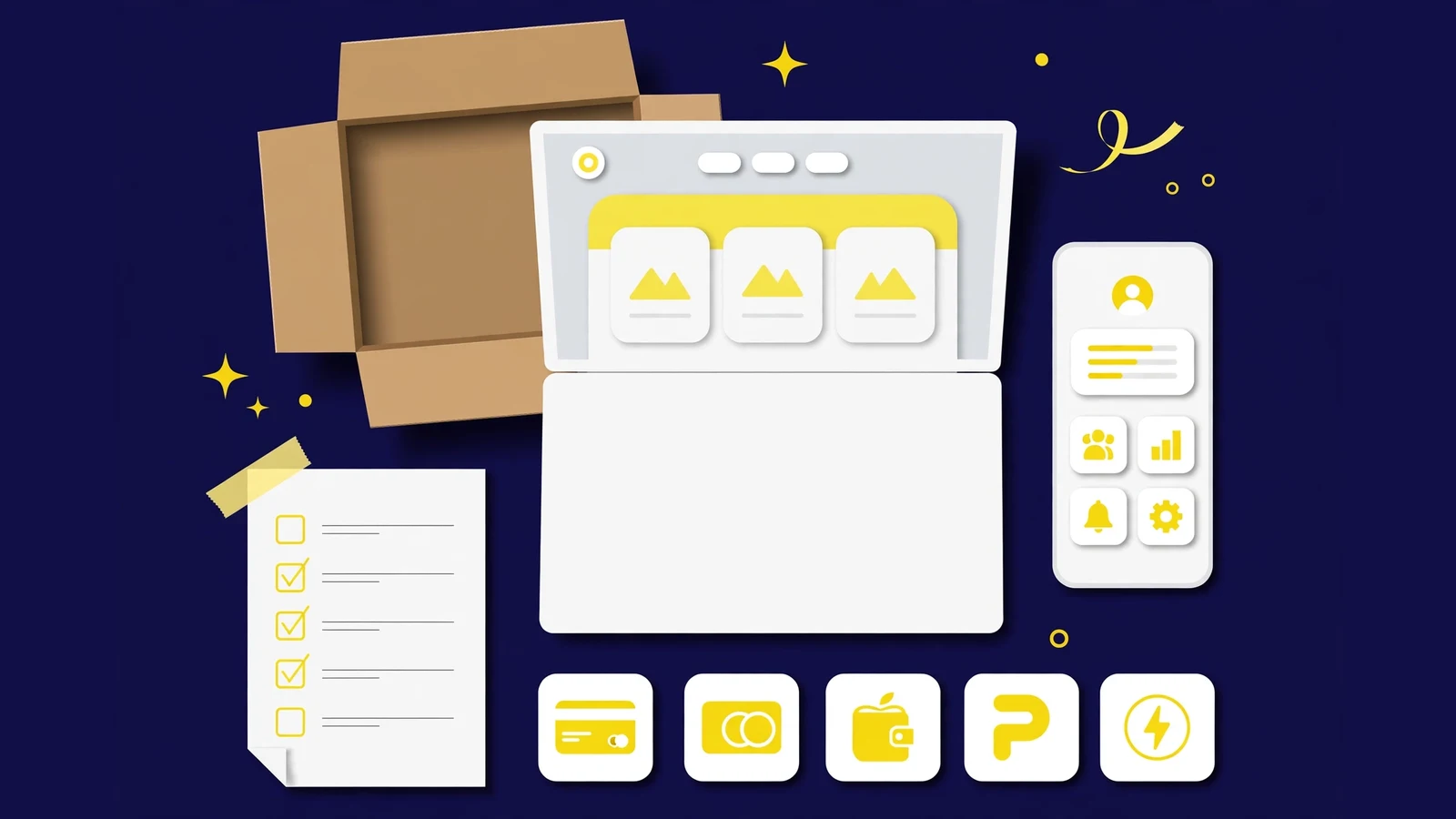
A template pack is the complete design for one GoldCoders platform: every screen a visitor and a member sees, a matching set of payment-method icons, and a responsive layout that works on desktop, tablet, and phone. The script itself is not included, and neither are hosting, a domain, or your own content. If you buy a pack, you are buying the look of the platform, not the software that runs it.
That distinction is also behind most pre-purchase questions we receive: whether the pack includes the script, whether demo plan cards are fixed, and whether one purchase covers two sites. All three answers come from the same split.
The short answer: what is in the box
Open a pack and you will find:
- Complete template files for the design: home page, member dashboard, deposit and withdrawal pages, sign-up and sign-in pages, and all inner screens.
- A matching set of payment-method icons, drawn for the theme, so the deposit page does not look like a patchwork of borrowed graphics.
- A fully responsive layout: the same screens, re-arranged cleanly for desktop, tablet, and mobile.
- On some packs, ready-made promo banners. This is a bonus on those packs, never a promise for every pack.
Delivery is automatic. The moment your crypto payment confirms, the pack lands in My Downloads on your account, and you can download it straight away. There is no waiting for a manual email, and no second purchase needed to unlock the files you already paid for.
What each part actually is
A template pack is a set of theme files for the GoldCoders HYIP Manager script. When the script renders a page, it loads the template’s design for that page: colours, layout, typography, buttons, and icons. Underneath, the script keeps doing exactly what GoldCoders shipped, because the template never touches its functional code. That is also our own rule when we build a pack: design changes, functional code stays exactly as provided.
The screens matter in a particular order, and it is not the order most buyers check first. The home page is the screenshot everyone looks at, but members live inside the platform. The screens they actually use every day are:
- The member dashboard, with the balance centre-stage and every menu item labelled.
- The deposit page, where a member picks a payment method and sees the plan being funded.
- The withdrawal page, where the same member asks for money back.
- The sign-up, sign-in, and edit-account pages, where a new member’s first impression is formed.
- The FAQ, rules, and contact pages, where a hesitant visitor judges whether a real team runs the platform.
Our guide on how to choose a HYIP template makes the same point: judge a pack by its member area, and check the full page gallery (Home, Sign Up, FAQ, Dashboard, Deposit, Withdraw, Edit Account, Security) before buying.
The payment icons, and why they are part of the pack
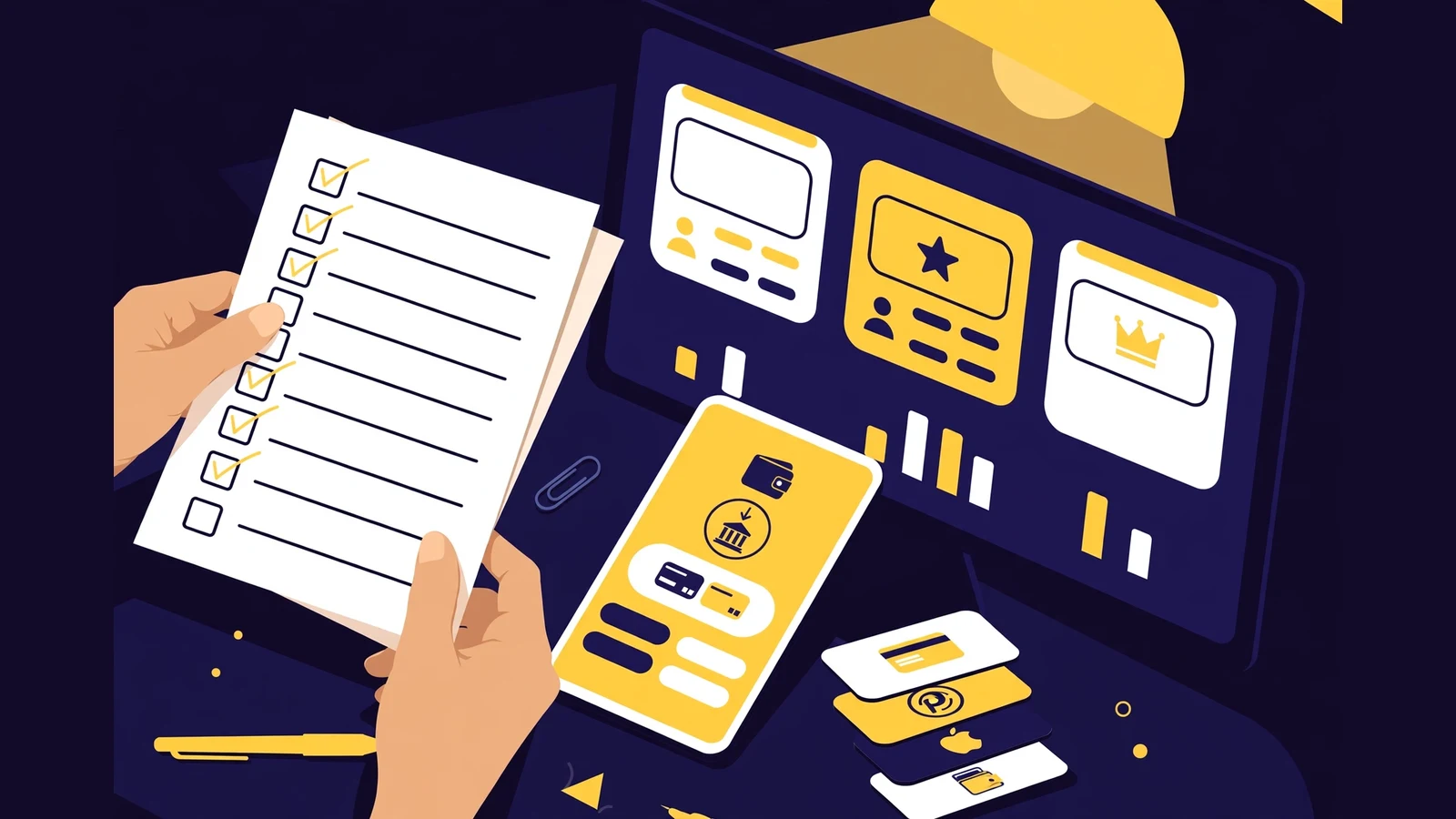
Every platform takes deposits through payment methods, and every deposit page shows those methods as icons. On a site built from mixed sources, those icons clash: different styles, different sizes, one method looking official and the next looking pasted in. A pack avoids that by including a themed icon set designed for that theme, so the deposit page reads as one designed surface.
This small detail has an outsized effect on trust: a member deciding whether to deposit scans for signs the platform was built with care, and consistent icons are one of them, included at no extra cost.
Responsive layout: one design, three screen sizes
A fully responsive layout means the template re-arranges itself for the screen it is on, rather than shrinking the desktop design until it is unreadable. On a phone, plan cards stack, tables reflow, and navigation collapses into a menu that still reaches every page: no sideways scrolling, no pinch-zoom to read a rate.
We check this on our own packs at HyipTemplates before they reach the shop. If you are comparing packs, open the full screenshot gallery on your phone and study the deposit page as a member would; that two-minute check tells you more than ten home page screenshots.
Promo banners: a bonus on some packs, not a promise
Some packs include ready-made promo banners: graphics sized for advertising the platform elsewhere. They are handy if you plan to promote on monitors or in communities, because they already match the pack’s colours and style.
We say "some packs" deliberately: not every pack includes them, so check the individual pack’s detail page before buying. The detail page is the authority for that pack.
What is not included, stated plainly
A template pack does not include:
- The GoldCoders HYIP Manager script: licensed software bought separately from GoldCoders, and the engine that runs members, plans, deposits, and payouts.
- Hosting, a domain name, or an SSL certificate, bought from a hosting provider.
- Your content: plan names and rates, FAQ answers, rules, and support route. Demo plans and text are placeholders you replace with your own.
- Installation or setup work, which is a service with its own price, not something hidden inside the pack price.
This list is also the answer to the most common support question after purchase: "I downloaded the pack, why is there no platform yet?" Because the pack is only the design layer; it needs a licensed script on hosting underneath it. Our explainer what is a GoldCoders template draws the same line.
The licence: one purchase, one live platform
One purchase covers one end project: one live platform. If you want to run the same design on a second platform, you need a second licence, which means buying the pack again. This is the standard licence for a normal pack, and it is worth understanding before you buy rather than after you have built a second site on the same files.
Exclusive packs are stricter: sold only once, then marked SOLD and removed from the shop, with the buyer holding the sole licence. A pack marked SOLD is that rule working as intended, not a stock problem.
The licence covers design files, not settings. Plans, rates, terms, limits, compounding, and referral levels are admin-panel settings, so changing them never needs a new licence. Our guide on whether you can change plans and rates explains that split in full.
How delivery works, step by step
Buying a pack from the shop works like this:
- Choose a pack and check its full page gallery and its included-files note on the detail page.
- Pay through the store checkout, which accepts crypto through NOWPayments.
- When the payment confirms, the pack appears in My Downloads on your account automatically.
- Download the files and install them on your licensed script, or hand them to whoever is doing your setup.
Template packs are currently $75 in the shop, against a list price of $150. As digital downloads, change-of-mind refunds are not possible after downloading; broken files that cannot be fixed get a full refund, as the refund policy states.
What to do with a pack once you have it
Most buyers need one of three next steps, and each has a published price:
- Installation: GC Script Installation and Setup installs and configures the script from $15 at Basic and $25 at Standard.
- A branded look: Template Customisation restyles colours, logo, fonts, and homepage sections from $15/$25, or a fully custom design starts at $150 in Custom Template Design.
- Plans and payments: Investment Plans Setup configures plans from $10, and Payment Gateway Integration is $20.
None of these is required: a buyer with hosting, a licensed script, and a little patience can install a pack alone. The services exist for buyers who want the setup done and checked, including a small real test deposit before announcing anything, as our GoldCoders launch checklist guide recommends.
Verify your delivery in five minutes
The day a pack arrives is the easiest day to check it, before installation turns a missing file into a mystery. This is the pass we recommend to every buyer, on any seller’s pack.
- Match the files against the contents list. The template files should cover every screen named above — home, sign up, FAQ, dashboard, deposit, withdrawal, edit account, security and the inner pages. A gap here is a seller conversation, held now, not after launch.
- Check the icon set separately. The payment-method icons should be present as one themed family, in the formats the script expects. Icons borrowed at install time never quite match.
- Open three screens before you touch settings. Apply the pack to a test install and look at the dashboard, the deposit page and one plan card. Those three carry most of what your members will judge.
- Keep the delivered files untouched as your master copy. Customise a copy, never the original — a clean master is what lets you re-apply the design after any later accident.
- File the invoice with the platform’s records. One purchase, one live platform — the invoice is the licence record that proves which site the pack belongs to.
Five minutes, once, and the pack stops being a download and becomes a known asset. Everything after that — installation, plans, gateways — is covered by the launch requirements guide.
Frequently asked questions
What exactly is included in a template pack?
The complete template files for the design (home page, member dashboard, deposit and withdrawal pages, auth pages, and all inner screens), a matching set of payment-method icons designed for the theme, and a fully responsive layout for desktop, tablet, and mobile. Some packs also include ready-made promo banners.
Does a template pack include the GoldCoders script?
No. The script is licensed software bought separately from GoldCoders. The pack is only the design layer that sits on top of it, and the script’s functionality stays exactly as GoldCoders shipped it.
Can I use one template pack on two websites?
No. One purchase covers one live platform. A second platform needs a second licence, which means buying the pack again. Exclusive packs are stricter still: sold only once, then marked SOLD and removed from the shop.
How do I receive the template after paying?
Delivery is automatic into My Downloads on your account as soon as the crypto payment confirms. You can download the files immediately, with no manual email to wait for.