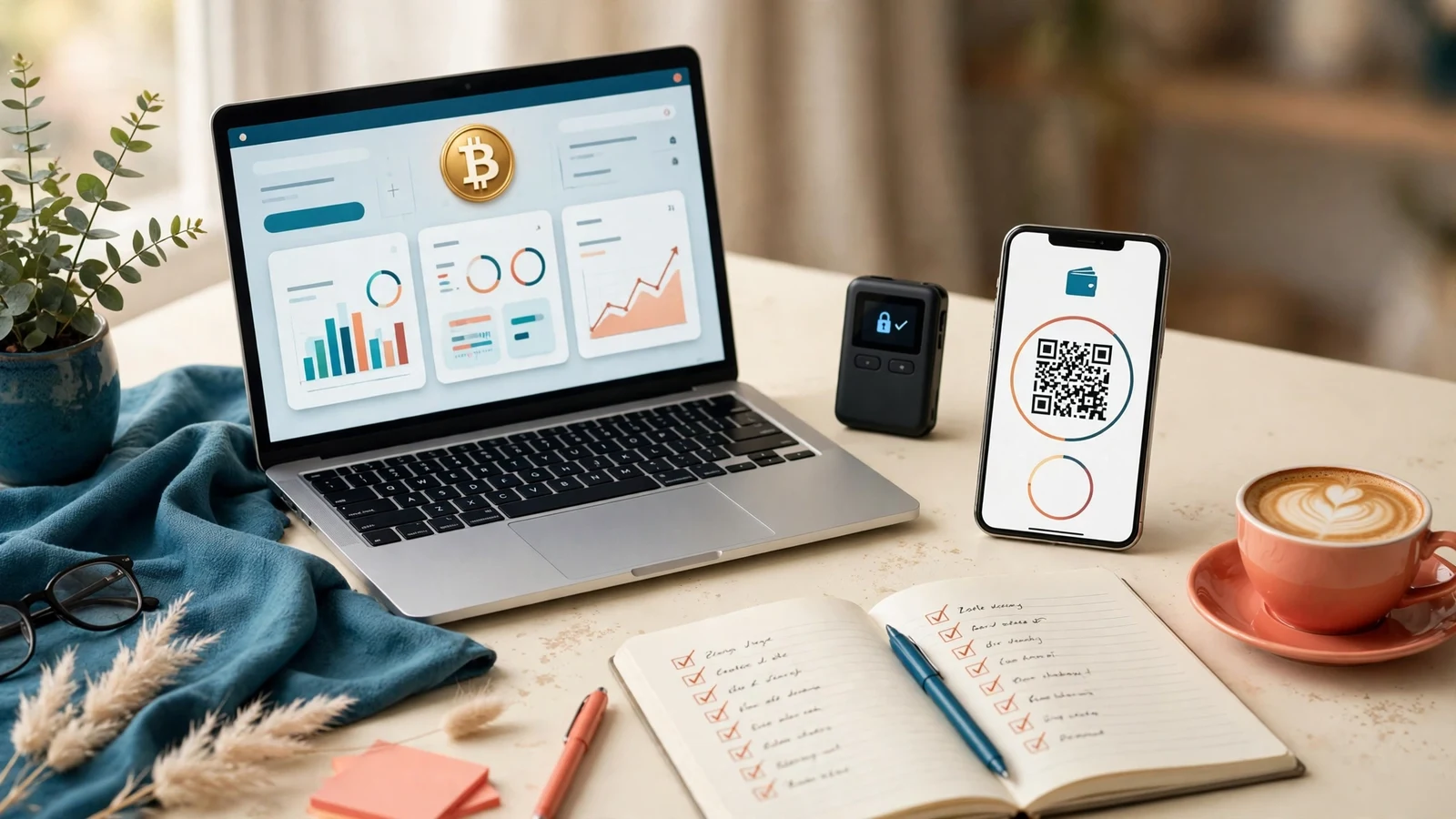
A bitcoin investment website template is a GoldCoders design built for a site whose members deposit and withdraw in Bitcoin only. The template is still design only: it changes how the site looks, not how the script runs members, plans, deposits and payouts. The script is bought separately from GoldCoders.
Short answer: going BTC-only changes more than most buyers expect. It is not a multi-coin template with the other coin tiles deleted. One coin means one deposit flow, one withdrawal flow, one way of showing plan amounts, and one set of mistakes your members can make.
We build GoldCoders templates every week, and the BTC-only question comes up in support more than any other single-coin question. The buyer usually chose BTC because it is the coin their members already hold, then found the design they liked was drawn for a dozen coins. This article is the checklist we wish those buyers had first.
Why one coin is a design decision, not a filter
A multi-coin design needs a tile for every coin and a deposit page that helps a member pick from a long list. A BTC-only design has the opposite job: make one flow so clear that nobody can get it wrong.
That clarity starts on the home page: the payment section should say, plainly, that deposits and withdrawals run in Bitcoin, not in a footnote or a FAQ entry nobody reads before paying. Members who hold only other coins should learn this before they sign up.
It also changes the plan cards. On a multi-coin site, plan amounts are usually shown in dollars and every coin converts at deposit time. On a BTC-only site, members think in Bitcoin, so the range, the deposit amount and the expected return should read in BTC as well. A design that shows only dollars forces every member to convert in their head.
Deposit and withdrawal: the two screens that decide trust
Open any template gallery the way a member would: skip the home page and go straight to the deposit screen, because that is where a BTC-only site earns or loses trust in under a minute.
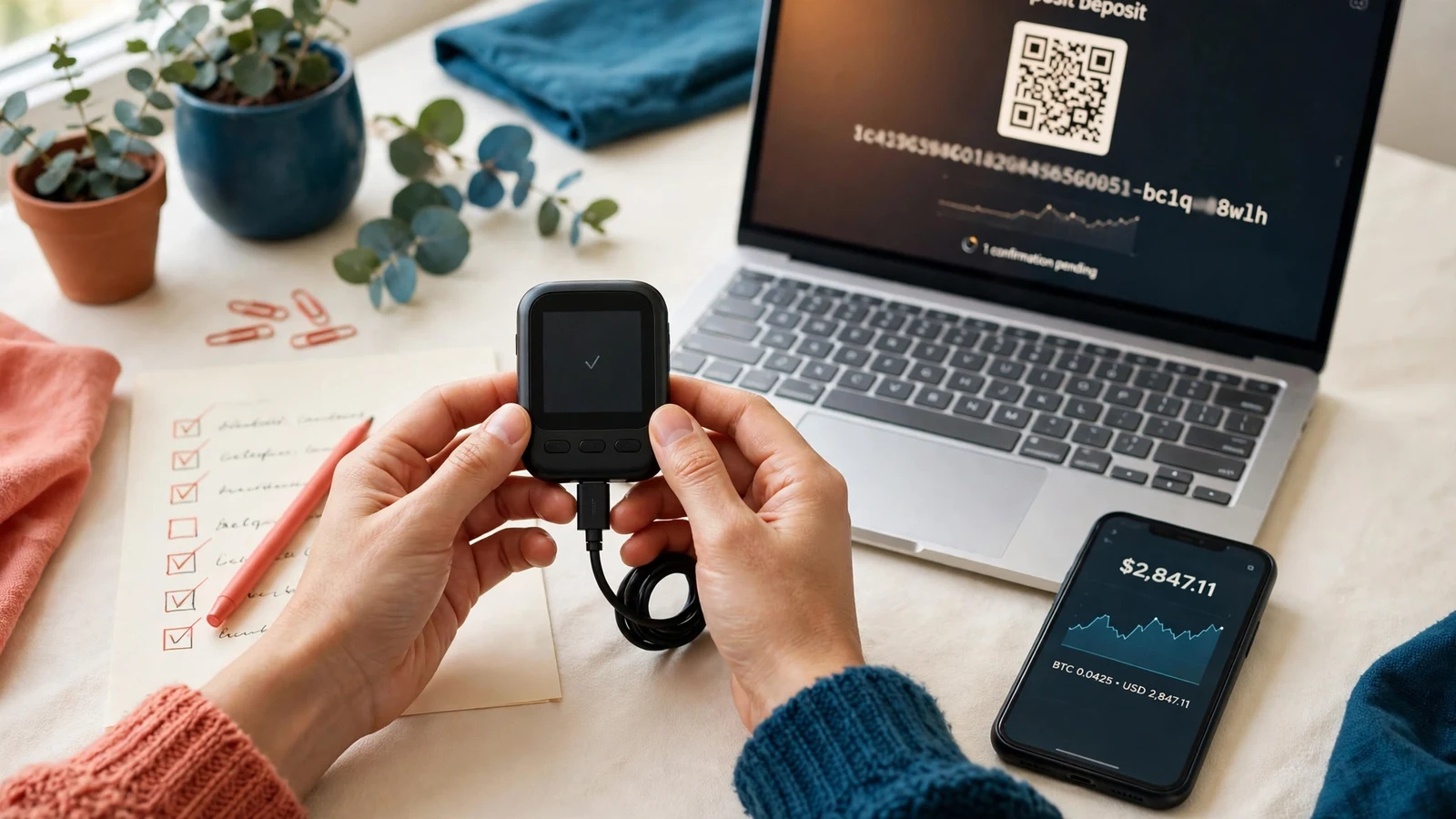
A good deposit screen shows four things without scrolling: Bitcoin named in full, the deposit address in full, a QR code for phone wallets, and a copy button beside the address. The copy button matters more than it looks. Members who type a long address by hand will eventually mistype one, and a mistyped address can mean a lost deposit. We check that copy button on a real phone before the template ships.
The screen should also say what happens next, in plain words: the deposit appears after the network confirms it, and the member does not need to do anything else. No countdown timer, no claim about confirmation speed. Bitcoin confirmations take the time they take, and a design that promises otherwise is setting up an angry support ticket.
Withdrawal is the mirror image: ask for one address, show it back for a second look before confirmation, and state clearly that a withdrawal sent to the wrong address cannot be pulled back.
Showing plan amounts in BTC without misleading anyone
Plan cards are where BTC-only design most often goes wrong, and the mistake is subtle. A card that shows a plan range only in dollars looks clean, but it hides the number the member actually pays. A card that shows only BTC looks authentic, but it leaves a new member with no sense of scale.
The design that works shows both, with BTC first: the range, minimum and maximum read in BTC, with a dollar reference beside them in smaller text. The dollar figure is a reference for scale, not a promise about value, and the design should never present it as a live price. A price ticker pretending to be live market data is decorating with a lie.
Confirmation states: the waiting screen members actually read
Every BTC deposit has a waiting period, and the waiting screen is the most-read page on a BTC-only site. Members refresh it and send it to support, so the design must treat it as a first-class screen.
A good waiting state names the stage in plain language — deposit received, confirmations in progress, credited — and shows the amount in BTC and the address it went to, with a note that no further action is needed. No fake progress bar that fills on a timer: a timer that finishes before the network confirms teaches members to distrust the next screen too.
We learned this from our own launch tests. On early templates, the waiting message was a single grey line, and "where is my deposit" questions arrived within hours of every launch. When the waiting state became a proper screen with stages and the address repeated, those questions fell away.
Security pages carry extra weight on a BTC-only site
Bitcoin payments cannot be reversed, so the security pages on a BTC-only site deserve proper space, not a single cramped page.
Three screens deserve a full layout: account security settings (two-factor authentication, password changes), the withdrawal address screen, and the support route, reachable from the member area in one tap. A member who cannot reach support quickly after a mistaken withdrawal will panic.
The design should also carry honest guidance in plain words: keep wallet access private, never share a password or a seed phrase with anyone claiming to be support, and check the withdrawal address character by character. Real support never asks for those things.
Judging a BTC-only template from its screenshots
Before you buy, open the full screenshot gallery and check these points.
- The home page names Bitcoin as the payment coin, in the payment section, not only in a FAQ entry.
- The deposit screenshot shows the full address, a QR code and a copy button, all on one screen.
- The withdrawal screenshot shows the address repeated back for a second look before confirmation.
- A plan card shows amounts in BTC first, with a dollar reference beside them, not dollars alone.
- The waiting screen names the deposit stage in plain words, with no fake countdown or live-price pretence.
- The security screens are full pages, and the support route is one tap from the member area.
- The phone screenshots show the same screens without sideways scrolling or clipped buttons.
If a gallery shows only the home page, ask for the rest before paying. The money screens are the product.
What launching this way actually costs
A premium template is $75 in our shop. GoldCoders installation and setup is $15 or $25 by tier. Investment plans setup is $10, $20 or $35 by tier. Payment gateway integration is $20. A complete, ready-to-launch website is $200, $500 or $1,000 by tier, including one premium template. Template customisation is $15 or $25 for the listed scopes.
Two costs sit outside our shop, priced by their providers: the GoldCoders script licence, bought from GoldCoders, and domain and hosting, paid to the provider. The script licence is never included in a template, and the template never changes the script’s functionality.
Plans, rates and referral levels stay settings in the GoldCoders admin, not part of the design. The services pages list each tier exactly, and the shop shows the current template range. To compare approaches, our guide to choosing a crypto investment website template covers the shortlist method, and our crypto design guide covers what a multi-coin design must handle. For the payment side, our crypto payment gateways guide explains gateway callbacks and confirmations, and our security hardening guide covers the hardening steps worth doing before launch.
Frequently asked questions
Can I switch a BTC-only site to multi-coin later?
Yes: the coin choice is configuration, not a permanent property of the design. A BTC-only design can be extended with more coin tiles when you add gateways, though the deposit page will need a proper redesign at that point, not a quick patch.
Do members need a Bitcoin wallet before they sign up?
They need one before they deposit, not before they sign up. Members can register, read the plans and see the deposit screen first, then fund when ready. Never ask a member to paste a wallet address into a sign-up form; wallets belong in the account settings, set by the member after login.
What happens if a member sends BTC to the wrong address?
A Bitcoin transfer cannot be reversed by the site, the script or the gateway. That is why the deposit screen carries a copy button and the withdrawal screen repeats the address back. If the address belongs to another wallet the member controls, they may recover it themselves; otherwise recovery is generally not possible, and honest support says so.
Is a BTC-only template cheaper than a multi-coin one?
No. The template price is the same because the work is the same: every screen still has to be designed, and the BTC screens need more care, not less. The saving is in setup and support time, not the design price.