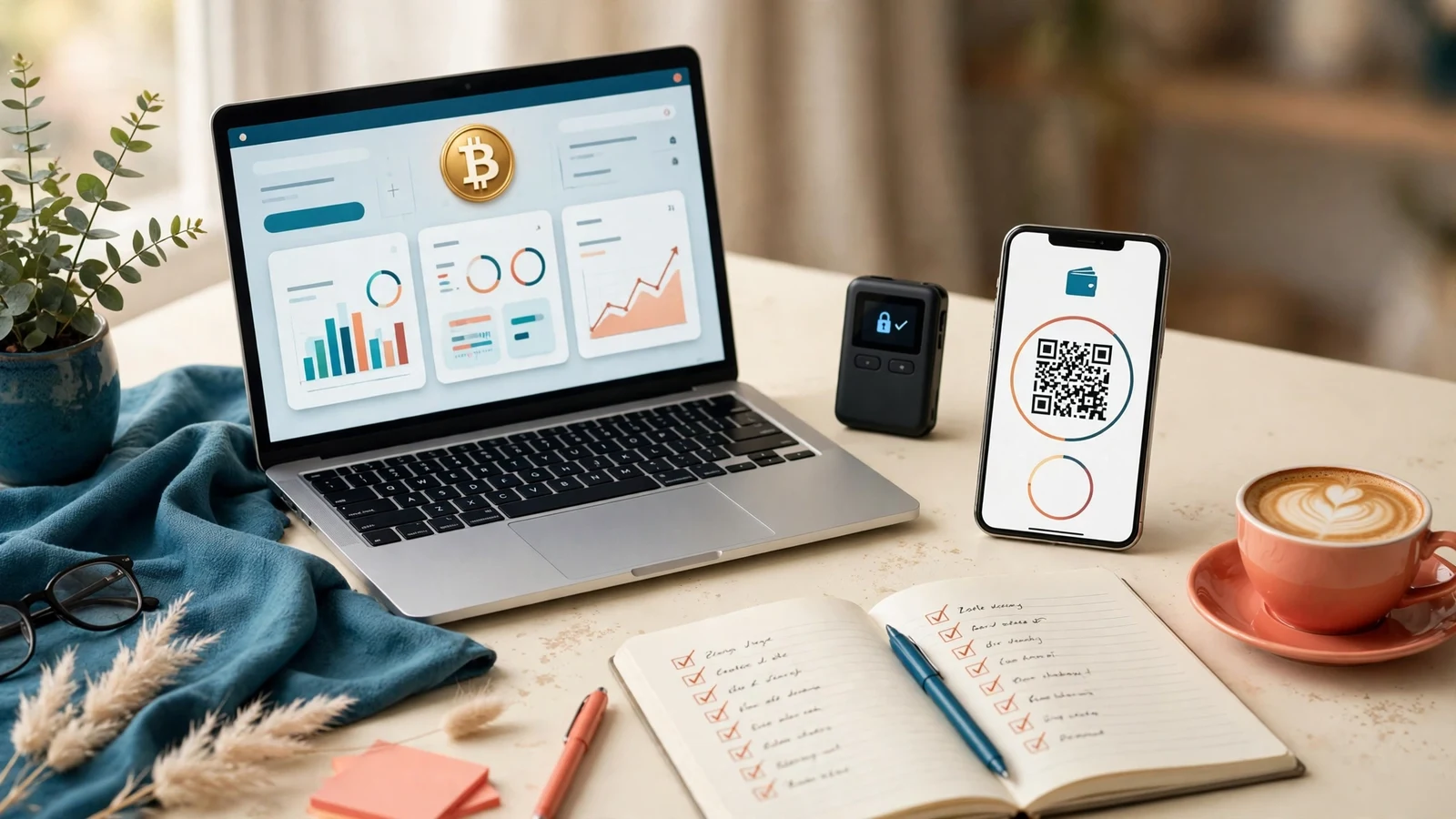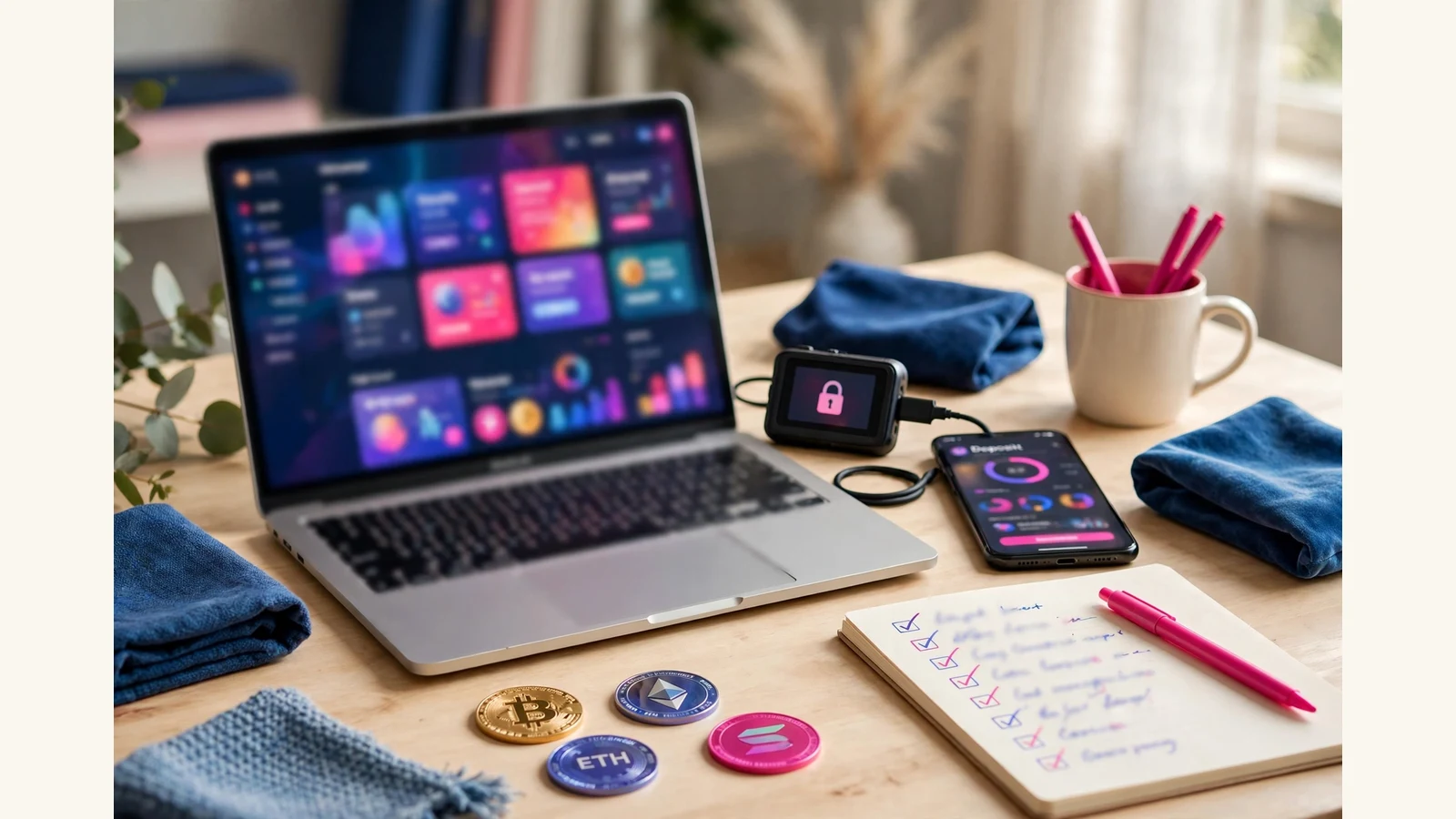
If you are choosing a crypto investment website template, here is the short answer: pick the template whose deposit, withdrawal and dashboard pages handle crypto clearly, not the one whose homepage looks most impressive. A crypto member spends almost no time on your homepage. They live in the member area, where they deposit, watch earnings, and withdraw. If those three screens are confusing, no hero banner will save the launch.
That is the test we apply at HyipTemplates, where we install templates, set up plans and gateways, and fix sites that arrive half-finished. The templates that cause trouble after launch are rarely the plain-looking ones. They are the pretty ones where the deposit page hides the network or the plan card hides the minimum.
What "crypto-ready" really means
A crypto investment website template is a design pack for the GoldCoders HYIP Manager script. It changes how the site looks: home page, member dashboard, deposit, withdraw and all inner screens, themed payment-method icons and a responsive layout. It does not include the script, and it does not change what the script does. One purchase covers one live site.
So "crypto-ready" is not a feature the template adds to the script. It is a design question: does this design show crypto payments clearly, at every step where a member touches money? Judge it by the money screens first, and open the full page gallery before you buy: home, sign up, FAQ, dashboard, deposit, withdraw, edit account and security. If a gallery only shows the homepage, treat that as a warning.
Start with the deposit and withdrawal pages
The deposit page is where most crypto launches lose members, silently. A member who sends coins on the wrong network panics and tells their group the site swallowed their deposit. Good design prevents that moment.
Look for these things on the deposit page:
- One clear address per payment, with the network named next to it. USDT on one network is not the same payment as USDT on another.
- A copy button that clearly works. Members copy long addresses on phones; if the button is small or missing, they will type the address by hand, and hand-typed addresses go wrong.
- The minimum deposit shown before the member sends anything. A deposit below the minimum is a common support ticket on new sites, and entirely preventable by putting the number where the member looks.
- A plain statement of what happens next. How many confirmations, roughly how long, and where the deposit will appear. Members wait calmly when they know what they are waiting for.
Check the withdrawal page just as strictly: it should make a wrong address or network hard to enter, show the minimum and any fee before confirmation, and show withdrawal history in the same place. Our crypto payment gateways guide explains the gateway side: the address, the confirmation watch, and the callback that credits the member.
The coin and network checklist
Before you shortlist anything, write down the coins and networks you will actually accept. That list decides which payment icons the template needs.
- Which coins will members deposit in? Name them, not just "crypto".
- Which networks will you accept for each coin, especially for stablecoins that exist on several networks?
- Will members withdraw in the same coin they deposited in?
- Does the deposit page show a fresh address per payment without clutter, with icons themed to match the design?
A template pack in our shop includes a matching themed set of payment-method icons, and the design is responsive. Test the phone view before buying: crypto members deposit from phones more than from desks, and a page needing sideways scrolling will cost you members.
Plan cards that survive crypto maths
Plan cards are the second place where crypto templates go wrong. A card that must show a daily rate, a term, a minimum and maximum deposit, and compounding all at once needs real structure. If the gallery only shows one plan, you have not seen how it behaves with your actual plan list.
Check the plan cards against your real numbers:
- Can you read the rate, the term and the minimum in one glance?
- Do three, four or six plans still look orderly, or collapse into a wall of text?
- Is compounding explained in plain words, or hidden behind a term a new member will not know?
- Does the card still work when a plan is added or removed later?
Plans, rates, terms, limits, compounding and referral levels are settings in the GoldCoders admin, not part of the design. The template simply displays whatever you set, so judge it on your numbers, not the sample figures. Our Investment Plans Setup service, at $10, $20 or $35, sets those plans up correctly — but no setup service can rescue a plan card never designed for your structure.
The design traps we see again and again
After years of installs, the same five mistakes come up on crypto sites, and all five are visible in the screenshots.
- Coin icons that all look alike. If BTC, ETH and a stablecoin are three near-identical circles, members will click the wrong one. Icons must be distinct at phone size.
- A dashboard that hides the balance. Members open the dashboard to check one number: their balance. If it is small or buried under banners, they feel lost even when everything works.
- A deposit page with no network warning. A single line naming the network, in the member’s eyeline, prevents more losses than any support article.
- Plan terms written for insiders. Words like "compounding" need a plain explanation beside them. New members do not ask; they leave.
- A mobile layout that was clearly an afterthought. Deposit addresses, copy buttons and withdrawal forms break first on small screens, because they are the widest elements there.
None of these are script problems. They are design problems, and exactly what a template choice should solve — which is why our guide to choosing a template also starts with the member area.
A shortlist method that works
Do not compare twenty templates. Compare three, properly: shortlist three whose style fits your brand, open the same four pages on each (dashboard, deposit, withdraw, plan list), and score them on five questions — balance obvious, network named, minimum visible, plan terms plain, phone view without sideways scrolling. The template that answers yes five times is your template.
If none passes, do not settle. Either shortlist three more, or go custom: Template Customisation from $15 or $25 reshapes an existing design around your brand, and a fully custom template design from $150, $350 or $500 gives you a design nobody else has.
What it costs to go from template to a live crypto site
A template is only one part of the launch budget.
A premium template in our shop is $75. GC Script Installation and Setup is $15 or $25, the higher tier adding full settings, email testing, gateway basics and a launch-checklist walkthrough. Payment Gateway Integration is $20 for one crypto gateway fully integrated and tested end to end. Investment Plans Setup is $10, $20 or $35. A complete website takes 5-7 days at $200, 7-10 days at $500, or 10-14 days at $1,000, and includes one premium template.
The script licence is bought from GoldCoders and is never included in a template pack; hosting is paid to your provider. One discipline no template can provide: a small real deposit and withdrawal through every gateway, before you announce, on the exact networks your members will use.
A worked example: the networks on our own checkout
The coin-and-network checklist above is not theory to us — our own store checkout runs on the same discipline, on the shop side of the line. This store accepts, through NOWPayments: Bitcoin, Litecoin, Ethereum, Dogecoin, Tron and BNB, plus USDT on three separate networks — TRC20, ERC20 and BEP20. Nine options, each named with its network wherever a payer meets it.
Keep the two sides separate, the way we do. That list describes how customers pay this store for templates. Your platform’s list is yours to choose, set in your gateway integration — but the design rule transfers exactly: every method your members can use must appear, named by coin and network, in one consistent icon family, on the deposit page above all. A crypto investment website template that shows that discipline in its gallery screenshots has passed the hardest part of this guide’s checklist before you read a word of its sales copy.
Frequently asked questions
Does a GoldCoders template include the crypto gateway?
No. A template is only the design layer. The gateway is integrated separately into the script, and our gateway service covers NOWPayments and major crypto gateways at $20. The template displays the flow clearly; the gateway moves the coins and confirms them.
Can I accept different coins on different networks with one template?
Yes, as long as the design handles it. The deposit page must name the network beside each address, and the icons must stay distinct for each coin. Check the screenshots against your actual coin and network list, not the sample figures.
Should I choose a template made only for crypto?
A template does not need to be labelled crypto-only to work for a crypto site. What matters is whether its money pages show addresses, networks, minimums and balances clearly, and whether its icons cover your coins. Judge the money pages, not the label.
What should I test before announcing a crypto site?
Run a small real deposit and withdrawal through every gateway and network you will offer, and read every automatic email as a member would. Check the dashboard on a phone and confirm the balance updates. Our launch checklist guide covers the full list, but the crypto rule is simple: if a payment path has not been tested with real coins, it has not been tested.