Most buyers judge a template by its homepage screenshot. That is exactly where expensive mistakes are made — because your members will spend 95% of their time inside the member area, not on your homepage. Here is the checklist we give our own customers.
1. Start with the member area
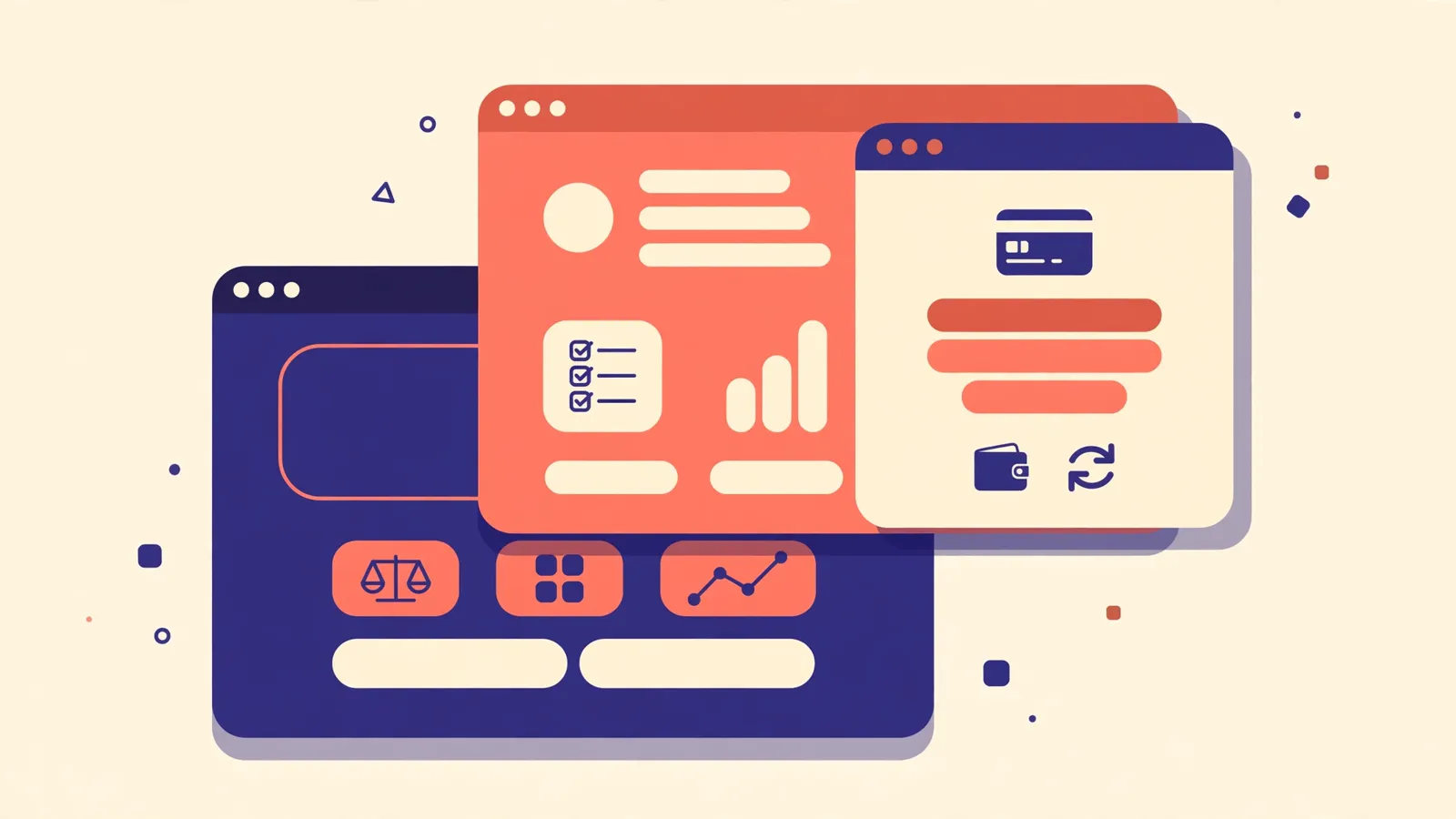
Open the demo and log in as a member. Check the dashboard, deposit, withdraw, history and settings pages. Are they designed with the same care as the homepage, or did the designer stop after the landing page? If the inside looks like a different, cheaper product, your members will feel it too.
2. Match the design to your plans
A design built for three simple plans looks empty with eight. Look at how the plan cards are structured: rates, terms and limits should be readable at a glance, and the design should still work when you add or remove a plan.
3. Check the payment icons
Your platform lives on crypto payments. The deposit page should show proper, recognisable icons for every coin you accept — Bitcoin, Ethereum, USDT networks, Tron, BNB and the rest — in one consistent style. Mixed or broken icons quietly destroy trust.
4. Test the mobile view properly
More than half of your visitors will arrive on a phone. Shrink the demo to phone size and check the menus, the plan cards and the deposit flow. Everything tappable should be reachable with a thumb, and nothing should force sideways scrolling.
5. Think about what happens after launch
A template is the start, not the finish. You will want banners, a logo that matches, maybe custom features later. Buying from a store that also offers services means one team knows your design inside out when you need help.
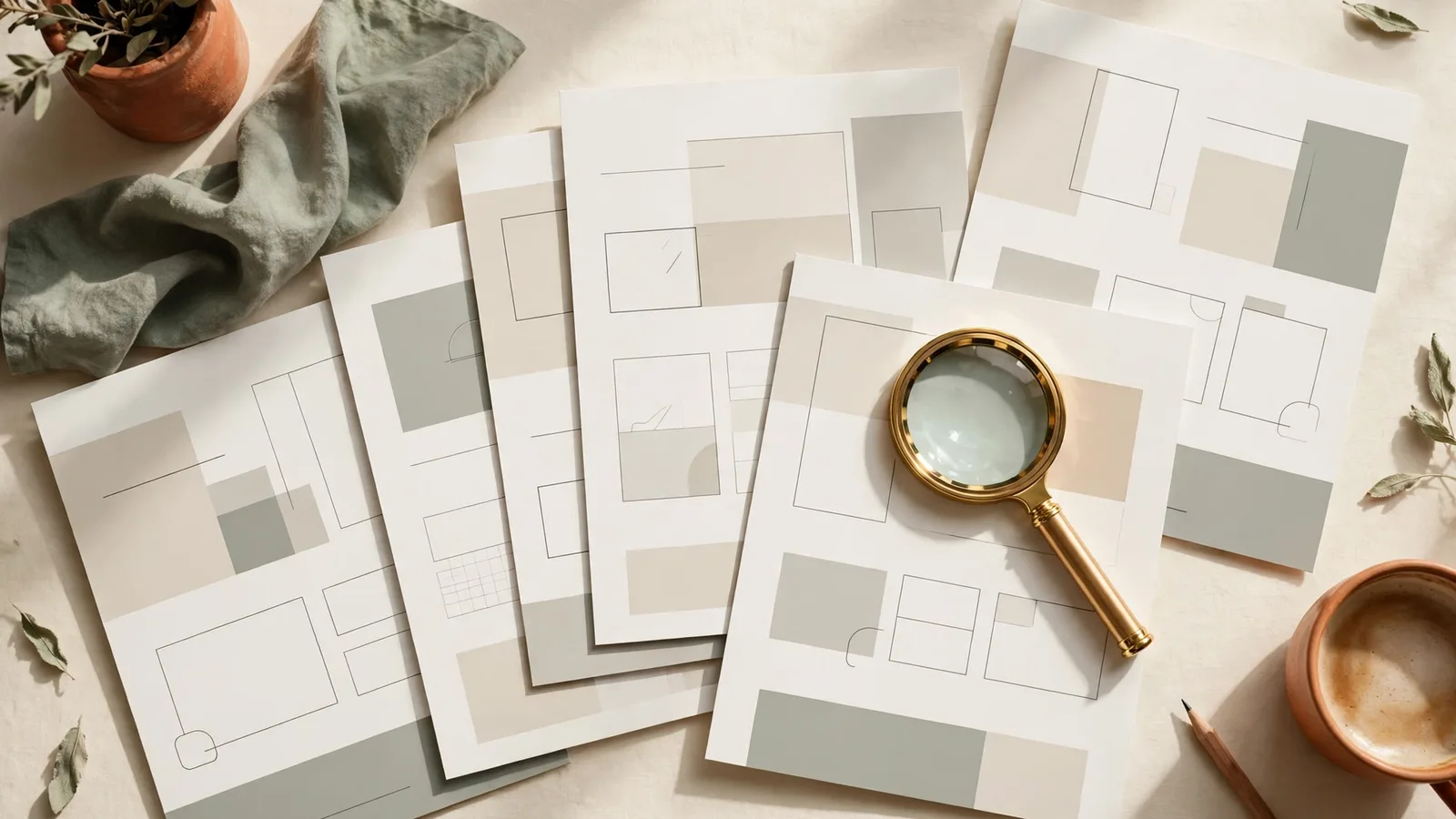
Every pack in our shop includes the full member area and a complete page gallery, so you can check all of this before you spend a dollar.