 English
 Русский
 Español
 Português
 Deutsch
 Français
 Indonesia
 Tiếng Việt
 中文
 العربية
 اردو
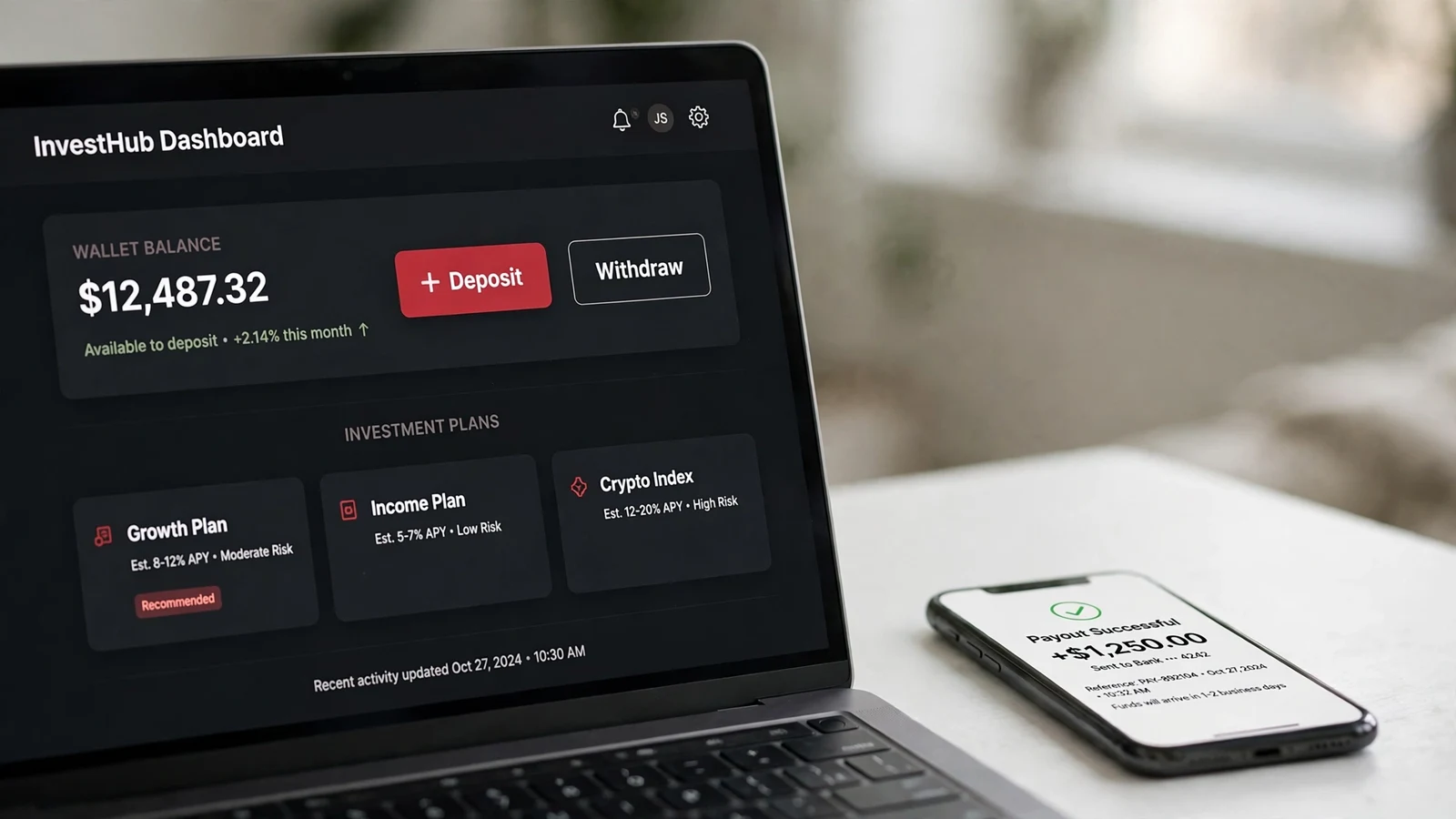
A deposit puts money into a plan. A withdrawal takes money out. Everything between those two actions — the plan choice, the payment method, the confirmation screen, the waiting status — is the part members judge your platform by. Get the flow right and members rarely think about it. Get it wrong and every support ticket will be about money that feels stuck.
The short answer: both run through the member dashboard. The member picks a plan, picks a payment method, and sends funds; the plan activates and earnings build up on the dashboard. When the member asks for money back, the request goes into a queue, the status shows plainly while it waits, and the payout lands in the wallet the member gave. The template decides how clearly each step reads; the script underneath decides how the money actually moves.
The deposit, step by step
A deposit starts on the plan cards. The member reads a plan — its rate, its term, its minimum and maximum deposit — and picks the one that fits the amount they want to put in. That choice matters more than it looks: the plan, not the deposit screen, decides what the money earns and when it can come back. Our guide to designing investment plans covers how those cards should read.
Next comes the payment method. On a crypto-first platform this is a coin and a network, and the two must never be confused: USDT on one network is not the same destination as USDT on another. A good deposit page separates coins from networks into clear choices, and states the minimum deposit before the form. Our guide to choosing a crypto investment website template walks through that checklist — a member who sends funds to the wrong network address loses money no design can undo.
Then the member enters the amount and confirms. The member is shown the payment details — the address or the invoice — sends the funds from their own wallet, and the deposit is confirmed, automatically once the payment is seen or by hand by the site owner. Either way, the member should see the same thing afterwards: the deposit in their history, the plan showing as active, and the dashboard balance updated. If any of those three is missing, the member will write to support — even when nothing is actually wrong.
At the moment of payment, the deposit page should state the terms in plain words — rate, term, minimum, maximum, and whether the deposit itself comes back at the end.
What the member sees after depositing
After the first deposit, the dashboard becomes the member’s home page. Three numbers matter, and a good template keeps them apart: the amount deposited, the amount currently active in plans, and the earnings available to withdraw.
The history page is the second thing members check: every deposit, every earning credit, every withdrawal request, each with a date, an amount, and a status. When a member asks "where is my money?", the honest answer is a history page they can read themselves. Judge any template by its history page before you buy it — our guide to what is included in a template pack says the same about the small pages.
The withdrawal, step by step
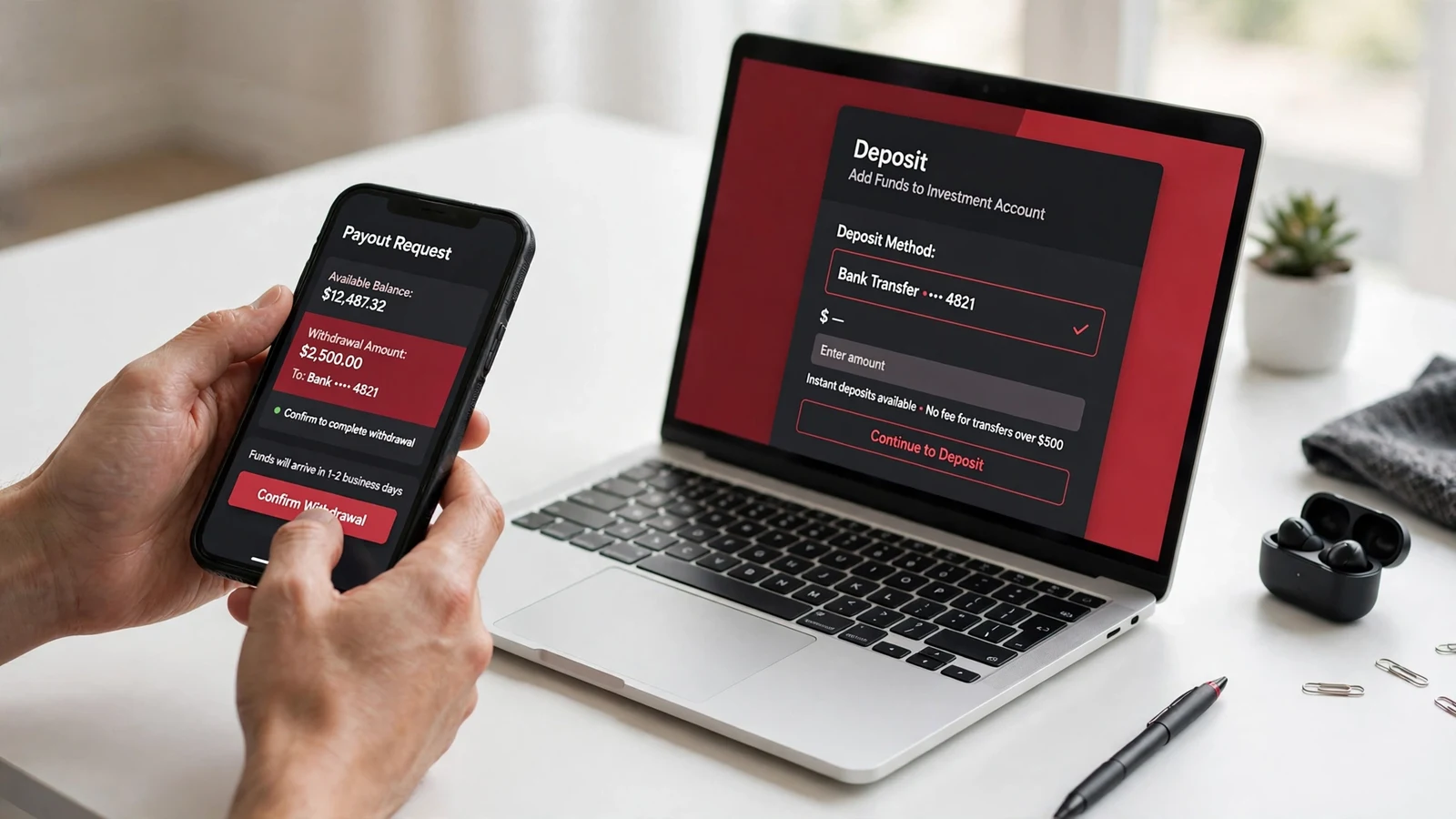
A withdrawal starts with a request, not with money moving. The member opens the withdrawal page, picks the wallet the money should go to, enters an amount, and submits. The request then sits in a queue with a status — and that status is where most platforms win or lose their members’ trust.
The status must read plainly. "In Process" means the request is being handled, not lost. "Paid" means the money has been sent. "Pending" means it is waiting. If the words on the screen could mean two things, members will assume the worse one — we have seen a waiting request that looked identical to a failed one, and the owner spent a week answering the same worried message. Clear status wording is a design decision, and one of the first things to check in a template’s full screenshot gallery.
Limits belong on the withdrawal page before the form: the minimum withdrawal, the maximum per request, and any fee should be visible where the member types the amount. The member should also see the wallet address before submitting — a withdrawal sent to an old address turns into a dispute.
How fast the money arrives depends on the setup: some platforms process withdrawals by hand, in batches once or twice a day; others pay out automatically through a gateway. Neither is automatically better — what matters is that the member knows which one applies before they ask. Say it plainly, then keep to it.
The five details that decide whether members trust the flow
First, coin and network clarity on the deposit page — if a member cannot tell which coin goes to which network from the screenshots alone, the template is not ready. Second, minimums and maximums shown before the form, for deposits and withdrawals both. Third, status wording a first-time member can read without guessing. Fourth, a history page that lists everything with dates and statuses. Fifth, the wallet address shown back to the member before they confirm.
None of these is a feature you buy separately. They are all design — the template’s deposit page, withdrawal page, dashboard, and history page, done properly. That is why the money screens deserve as much attention as the homepage when you judge a template: a homepage sells the first visit, and the money pages decide whether the member comes back. Our method for judging templates is set out in our guide to the best investment website template, and the money pages are the heart of it.
Check the phone view too: many members deposit and withdraw from a phone, so the amount field, the method picker, and the confirm button must all work at phone width without sideways scrolling.
What the owner sets up
The money flow is a small stack of pieces, each with a real price on our shop and services pages, checked before publishing:
| Piece | What you pay | Notes |
|---|---|---|
| GoldCoders HYIP template | $59 | List price $75 |
| Script installation | $15 / $25 | Standard install, or a setup needing extra work |
| Investment plans setup | $10 / $20 / $35 | By plan count and detail |
| Payment gateway integration | $20 | One gateway, connected and tested |
| Template customisation | $15 / $25 | Small colour, text, and layout changes |
| Complete website | $200 / $500 / $1,000 | Script, template, setup, launch checks |
The template is design only: it shapes the deposit page, the withdrawal page, the dashboard, and the history page. The script underneath — what a GoldCoders template is explains the split — runs the accounts, the plans, and the payment logic, and its licence is priced separately by its provider. Gateway integration connects one payment method and tests it; plans setup builds the plan cards with their real rates, terms, and limits.
Before launch, run the flow yourself as a member would: deposit a small amount, watch the plan activate, request a withdrawal, and read every status along the way. Our launch checklist covers the full test run, and the launch sequence for an investment website puts it in order. The test costs very little and catches the exact problems — a hidden minimum, a vague status, a wallet field that does not save — that would otherwise reach your first member. The money pages are also the pages an attacker wants most, so the login and forms need the same care as the design; our platform security guide covers the hardening steps.
Frequently asked questions
How does a member deposit on an investment website?
The member picks a plan and a payment method — a coin and a network on a crypto-first platform — enters an amount within the plan’s minimum and maximum, and sends the funds using the payment details shown.
How does a withdrawal work?
The member opens the withdrawal page, enters an amount and the wallet it should go to, and submits a request. The request waits with a plain status such as In Process, then shows as Paid once the money has been sent. Limits and any fee should be visible before the form is submitted.
Can the owner change the limits and the minimums?
Yes. Limits, minimums, plan rates, and terms are part of the plan setup, and the deposit and withdrawal pages show whatever the plans define. Plans setup is $10, $20, or $35 depending on plan count and detail.
Do I need a template, a script, or both for deposits and withdrawals?
Both. The template designs the deposit page, withdrawal page, dashboard, and history page; the script underneath runs the accounts, plans, and payment logic. The template never replaces the script, and the script’s licence is priced separately by its provider.