 English
 Русский
 Español
 Português
 Deutsch
 Français
 Indonesia
 Tiếng Việt
 中文
 العربية
 اردو
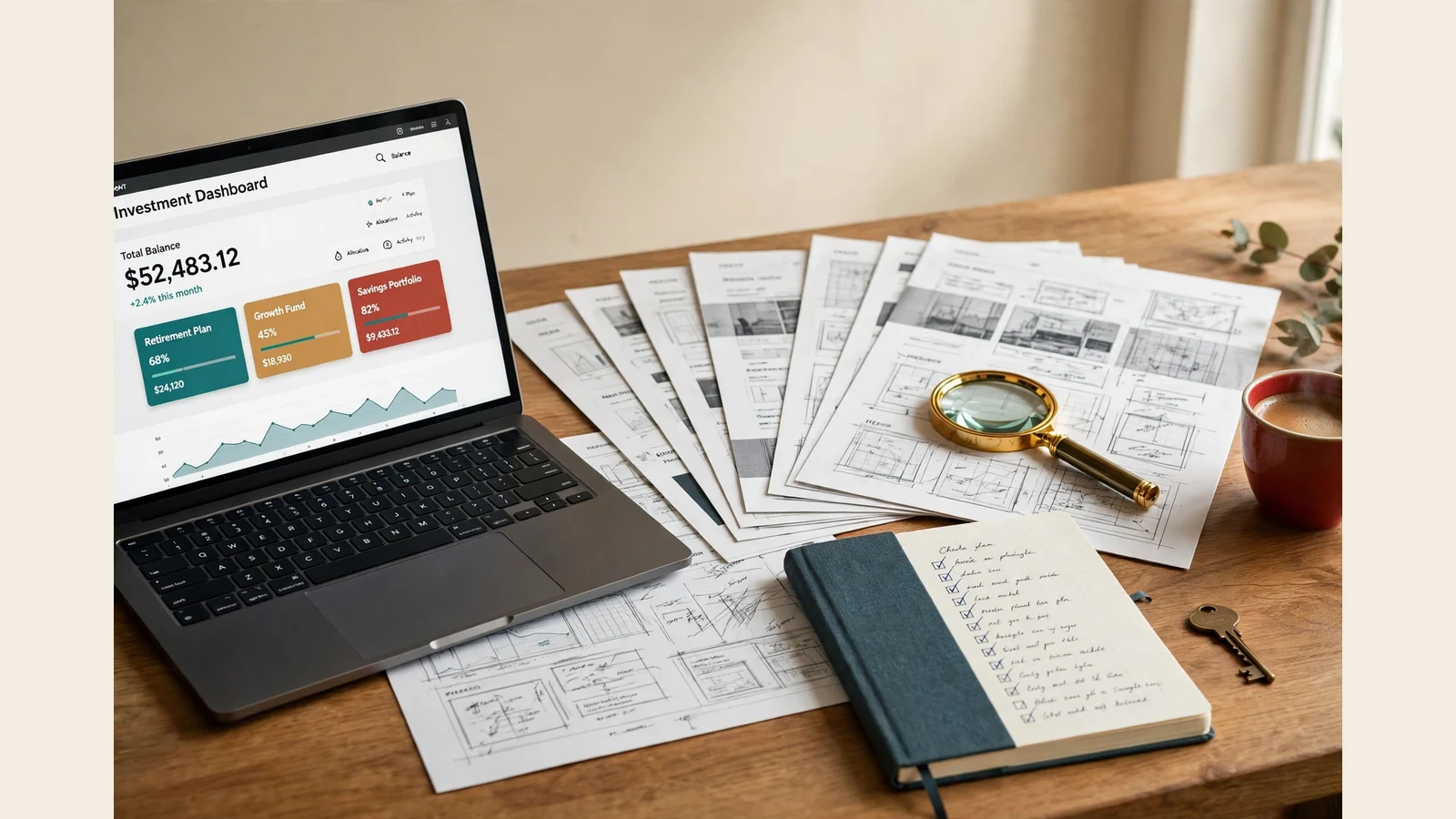
An investor website template is a ready-made design for a website that asks visitors to invest — plan cards with rates and terms, a member dashboard, deposit and withdrawal screens, and the pages that answer an investor’s questions. The template is only the design — it decides what an investor sees and how clearly the offer is explained — while the script underneath runs the accounts and payments.
That matters more here than anywhere else. A shop visitor can browse for ten minutes before deciding; an investment website visitor decides in the first minute whether the site looks serious enough to trust. The sites that win members answer the investor’s questions in the open, on the first screen.
What an investor website template actually is
An investor website template is a complete design pack: home page, plan cards, sign-up and sign-in, member dashboard, deposit and withdrawal screens, supporting pages. It sits on a working script — in our shop, the GoldCoders HYIP Manager script. The template changes how the platform looks; not how the script works.
Get this straight first: a template alone is not a working website. Without a licensed script on hosting, the plan cards are pictures and the deposit button goes nowhere. A script alone is a working engine with a plain default face — functional, but not trusted at first sight. The script runs the money; the template earns the trust.
It also differs from a generic finance theme, built to describe a company — services, team, testimonials, contact form. An investor website template is built to run a member system: plan terms clear, balance always visible, deposit and withdrawal the most normal, well-lit part of the site. Judge it as a member’s working tool, not a brochure.
The five things investors look for first
A first-time visitor checks the same five things, in the same order. A good template puts all five within seconds’ reach.
- The plans, with terms in plain words. Rate, term, minimum and maximum deposit, end-of-term rule — on the card, not behind a link. If a visitor must hunt for the minimum deposit, they leave.
- A dashboard that shows the money first. Balance, active deposits, earned profit, the next action — without scrolling. Members live inside the dashboard; the home page is only the door.
- Deposit and withdrawal screens that look finished. Coin or method, wallet field, amount and confirmation — laid out like a real payment page. A deposit screen that looks like an afterthought loses members fastest.
- Pages that answer hard questions. FAQ, rules, a security page, a way to reach a human — read while deciding, not after joining.
- A phone view that works properly. Most first visits happen on a phone: cards must stack, the balance stay readable, nothing needing sideways scrolling.
Notice what is missing: animation, sliders, countdown timers, popups. None of those build trust. Calm, readable, complete pages do.
The dashboard is where trust is won or lost
Every template looks good on its home page screenshot. The dashboard is where the difference shows — that is where a member spends their time. We open it first and ask three questions.
First, can a member see their balance the moment they sign in? It is the one number every member checks, so it belongs at the top, large and unmissable, with deposits and profit beside it. A dashboard that buries it under banners says the member’s money is not the point.
Second, is every menu item labelled, with a working icon, leading somewhere real? Deposit, withdraw, history, referral, settings, security — each obvious, each working. A member who clicks "Withdraw" onto a broken screen leaves.
Third, does the dashboard look like it belongs to the same website as the home page? Same colours, type, spacing and payment icons — a dashboard that looks like a different site tells the member the platform was assembled from pieces. Our investment website design guide walks through the same checks, and investment website examples shows what good ones share.
Investor website template vs company brochure template
This confusion is the most expensive mistake a buyer makes: the two look similar in a thumbnail and do completely different jobs.
| Investor website template | Company brochure template | |
|---|---|---|
| Built for | Visitors who become members | Visitors who read and contact |
| Core screens | Plan cards, dashboard, deposit, withdrawal | Services, about, team, contact form |
| Member system | Yes — accounts and balances | No accounts |
| Needs a script | Yes — the script runs it | No — static pages suffice |
| Judged by | Member trust with money | Reader understanding |
Launching a platform where members deposit and earn? You need the left column. A brochure template cannot grow a dashboard, deposit screen or member history later. If all you need is a company site describing a fund, the right column is cheaper. Buying the wrong one means buying twice.
Near-neighbours share the limit: a WordPress theme cannot run a member platform — see our WordPress investment website template guide — and neither can an HTML template; see the HTML investment website template guide.
Five checks before you pay
Before you buy, run these five checks — twenty minutes that catch almost every bad purchase we have seen.
- Open the full screenshot gallery. Home, sign up, FAQ, dashboard, deposit, withdraw, edit account, security — every screen, desktop and phone. A template shown only through its home page hides something.
- Read one plan card end to end. Rate, term, minimum, maximum and the end-of-term rule must be on the card, readable at a glance. If the card needs a paragraph of small print, the design is failing.
- Check the deposit and withdrawal screens. Same payment icons, same layout language, clear confirmation. Mismatched icons or a bare form mean the member screens were rushed.
- Test the phone view. Open the screenshots on your phone, not your desktop: cards stacked, text readable, balance needing no sideways scrolling.
- Confirm what is included and what is not. A template pack is the design files, themed payment icons and responsive layout — the script licence is bought separately from GoldCoders, hosting is your own. Our what is included in a template pack guide lists every part, and what is a GoldCoders template explains the script.
If a listing fails one check, walk away. A bad first design costs far more in lost members than the price of the pack.

What it costs to get one running
Prices below are from our shop and services pages today, checked before publishing. A premium GoldCoders template in our shop is $75. Script installation and setup is $15 basic, $25 standard — full settings, email testing, launch-checklist walkthrough. Investment plans setup is $10, $20 or $35 by scope; payment gateway integration $20; domain and hosting setup $20, $50 or $100. A complete website — script installed and configured, one premium template included, plans and payments set up, standard pages ready — is $200, $500 or $1,000, delivered in 5–7, 7–10 and 10–14 days. Customisation to your brand — colours, logo, fonts, plan cards restyled — is $15 or $25 for the listed scopes; a fully custom design is priced by tier on the services page. The script licence is bought from GoldCoders and is provider-priced.
The rest is yours: plan mathematics, rules, FAQ answers, support route. A template makes those readable; it does not write them. Test one small real deposit and withdrawal through every gateway — our GoldCoders launch checklist covers the run-through.
FAQ
Is an investor website template the same as a HYIP template?
Nearly — the broader name for the same design: a website that asks visitors to invest. A HYIP template is the same product named for its niche, built in our shop for the GoldCoders HYIP Manager script. A listing with no plan cards, dashboard or deposit screens is a brochure theme using the name.
Can I use one template on two websites?
No. One purchase covers one live platform — the licence on every pack in our shop. Exclusive packs go further: sold once, then marked sold and removed.
Does the template include the script?
No — the design layer only. The GoldCoders HYIP Manager script is licensed software bought from GoldCoders, installed on your hosting, and the template is applied to it. Our installation service covers the setup; the pack never includes the licence.
How do I know a template will look good on a phone?
Judge it from the full screenshot gallery on your own phone — not a desktop preview. Plan cards should stack in one clean column, the balance stay readable, the deposit screen fit the width. No phone screenshots? Treat that as the answer.
An investor website template earns its price in the first minute. Plans clear, dashboard showing the money first, deposit screen finished, phone view working — the visitor stays to read the terms, and that is when trust starts. Buy the template that passes the five checks before you pay.