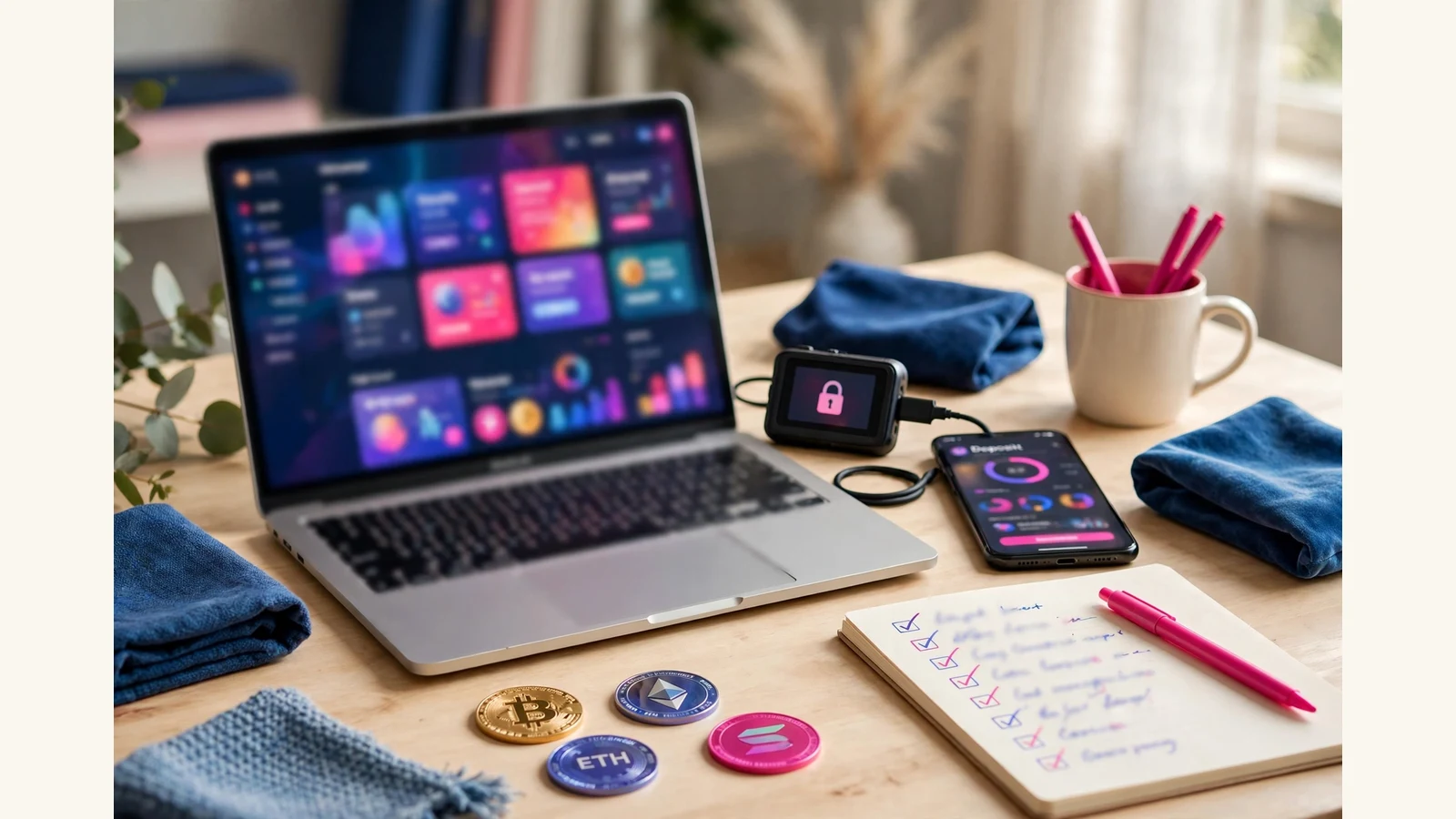
Starting an online investment website means building a platform where members can register, choose a plan, deposit, earn according to that plan, and withdraw — and doing it in the right order so nothing has to be rebuilt later. The order that works, from our own launches at HyipTemplates, is this: decide what your platform will offer, get a domain and hosting that can run scheduled jobs, install a licensed GoldCoders HYIP Manager script, add a design template, set your plans and payment gateway, then test a real deposit and withdrawal before you announce anything. Skip a step and it comes back as a delay; do them in order and a launch is a checklist, not a rescue mission.
That order matters because an investment website is not one product. It is three things working together: the script that runs members, plans and payouts; the template that designs every screen members see; and the settings you choose. Buyers who understand the three parts buy once and launch on time.
Step 1: Decide what your platform will offer
Before you spend anything, write down the platform you actually intend to run. How many plans will you offer, and what will they pay? What are the minimum and maximum deposits? Will members be able to compound earnings, and what referral levels will you pay? These answers decide everything else: which template layout fits, how your plan cards should be arranged, and what your gateway setup has to support.
Keep the first version simple. Three clear plans with honest terms beat eight complicated ones that nobody can explain. You can add plans later — the template’s plan cards are built to stay clear when plans are added or removed — but the first launch should be something you can test end to end in a single afternoon. Write the terms in plain language too: a member who cannot understand what a plan pays, for how long, and on what terms will not deposit.
Step 2: Get a domain and hosting that can run cron jobs
Next, register a domain name and hosting that supports PHP, MySQL and working cron jobs. Cron jobs are the scheduled tasks that run plan earnings and payouts on time, and they are the single most common technical cause of a delayed launch.
Choose a name that is easy to spell and say, set up SSL from day one, and use a proper business email address with SPF and DKIM set up, so your automatic emails reach inboxes instead of spam. If you would rather not handle hosting yourself, our Domain and Hosting Setup service covers it from $20, with $50 and $100 tiers — but whichever route you take, confirm cron is running before you move on.
Step 3: Install the licensed GoldCoders script
With hosting ready, install a licensed copy of the GoldCoders HYIP Manager script. This is the software that runs the platform: members, plans, deposits, earnings and payouts. It is bought separately from GoldCoders and is not included in any template pack — that distinction confuses more first-time buyers than anything else, so settle it early. You need both the script and a template; neither replaces the other.
Installation is not just copying files. The script has to be configured — site name, emails, plan settings, security options — and the cron jobs pointed at it correctly. Our GC Script Installation and Setup service does this at $15 for basic setup and $25 for standard setup, which adds full settings, email testing, gateway basics and a launch-checklist walkthrough, in 1 day or 1–2 days respectively.
Step 4: Choose a template for the design
Once the script runs, the template gives it a face. A GoldCoders template is a complete design pack for the script: home page, member dashboard, deposit, withdrawal, sign up, FAQ and all inner screens, with a matching set of themed payment icons and a responsive layout.
In our shop, packs are listed at $150 and on sale at $75, delivered automatically the moment the crypto payment confirms. Judge a template by its member area first — the dashboard members live in — then by plan-card fit, payment icons, phone view and the full page gallery, not by the homepage screenshot alone. One purchase covers one live platform. If you like a pack’s layout but not its colours or logo, Template Customisation from $15/$25 restyles it to your brand; if no pack’s layout fits, a fully custom template design from $150, with $350 and $500 tiers, is drawn only for you.
Step 5: Set your plans, content and payment gateway
With design in place, set the content members will actually read and use. Enter your plans in the GoldCoders admin — rates, terms, limits, compounding and referral levels are settings there, not part of the design — and write your FAQ, rules and support route in plain language.
Then connect a payment gateway and test it. Our Payment Gateway Integration service is $20 and covers NOWPayments and major crypto gateways: a deposit address per payment, a tested callback, and a payout flow that has actually been tried. Our crypto payment gateways guide explains the platform side in full. If plans setup feels fiddly, our Investment Plans Setup service is $10, $20 or $35 across its tiers. Either way, read every automatic email as a member before launch.
What the first launch actually costs
Nobody can give you one honest total, because the script licence is priced by GoldCoders and hosting is priced by the provider. Our own published figures, checked on the day this article was published, are:
| Part | Our published price |
|---|---|
| GoldCoders template pack | $75 on sale (listed at $150) |
| GC Script Installation and Setup | $15 / $25 |
| Investment Plans Setup | $10 / $20 / $35 |
| Payment Gateway Integration | $20 |
| Template Customisation | $15 / $25 |
| Complete Website Development | $200 / $500 / $1,000 |
The last row is the done-for-you route: script installed and configured, one premium template included, plans, payments and settings set up, and the full launch checklist completed, in 5–7, 7–10 or 10–14 days by tier. Our full costing guide, how much does it cost to launch an HYIP platform, breaks down the one-off and recurring parts.

Step 6: Test with real money, then launch softly
Before you announce, check: site name and emails correct; cron actually running; one small real deposit and one real withdrawal through every gateway; plan maths checked at the minimum and the maximum; referral levels set deliberately; admin security tightened with a strong unique password; a full backup taken, with a restore you understand; and the SSL padlock checked in a private window, on the homepage and the login page.
Then launch softly. Tell a small group first, watch the first deposits and withdrawals go through, and fix whatever the first real members trip over. Proof beats promises: live statistics, visible payment proofs and support that answers are what turn early visitors into members. Monitors and niche communities come after the site, payments and support are ready — never before.
The first week after a soft launch
Launching softly is only half the discipline; the first week is where the platform earns its announcement. This is the order we watch on the platforms we help put live.
- Days 1–2: watch the money path. Every deposit and withdrawal, checked by hand against the gateway. Small numbers, total attention.
- Days 2–3: read every automatic email as a member. Sign-up, deposit credit, earnings, withdrawal — in a real inbox, spam folder included.
- Days 3–5: answer support like a human, fast. Early members forgive rough edges; they do not forgive silence.
- Days 5–7: confirm cron, backups and statistics. Earnings credited on schedule, a backup exists and opens, and your live figures match the admin.
Only then announce properly — the sequence in getting your first hundred members assumes exactly this week has already happened.
Frequently asked questions
Do I need to buy the GoldCoders script separately?
Yes. The script is licensed software bought from GoldCoders, and it is not included in any template pack. A template is only its design layer. You need both.
How long does it take to start an online investment website?
A template on its own is delivered automatically the moment payment confirms. Script installation takes 1 day for basic setup or 1–2 days for standard setup, and a complete done-for-you website takes 5–7, 7–10 or 10–14 days by tier. Doing it yourself takes as long as the testing takes — and the testing is the part you should never skip to save time.
Can I change my plans and rates after launch?
Yes, plans, rates, terms, limits, compounding and referral levels are settings in the GoldCoders admin, not part of the design, and the template displays whatever you set. But changing a live plan’s terms after members have joined affects those members, so set them deliberately before launch.
Is a ready-made template enough, or do I need a custom design?
A ready-made template is enough for most launches, when its layout fits your plans and your member area checks pass. Customisation from $15/$25 handles colours, logo, fonts and plan-card restyling. A fully custom design from $150 is the answer when no pack’s layout fits.