 English
 Русский
 Español
 Português
 Deutsch
 Français
 Indonesia
 Tiếng Việt
 中文
 العربية
 اردو

An investment website is not finished on launch day. The template is live, the plans are set, the first members can deposit — and from that morning on, the site needs a small weekly routine to stay that way. Maintenance is not a big job. It is five small checks, done every week, that take about half an hour once you know them.
The short answer: five systems, once a week
Every investment website runs on five systems that can each fail quietly: the script that records deposits and pays earnings, the template that shows the pages, the payment gateways that move the money, the email that reaches members, and the backup that saves you when something else breaks. Weekly maintenance means looking at each one and confirming it still works — not assuming it does because the homepage loads. The homepage can look perfect while the deposit page is broken, because the homepage does not touch the script at all.
What maintenance actually covers
Start with the script. On a GoldCoders site the script is the engine: it holds member balances, plan terms, deposit records and the payout schedule. A weekly check means logging into the admin area, opening the deposit list and the payout queue, and confirming the newest entries look right — deposits arriving, earnings posting on schedule, withdrawals leaving the queue. We learned this on one of our own rigs, when a deposit’s due date was set a month ahead by mistake and no earning was ever due. A weekly look at the payout queue would have caught it on day one.
Then the template. Templates rarely break on their own, but they do break when the script is updated or a setting changes: a plan card showing the wrong rate, a deposit button pointing at a gateway you removed. Open the homepage, one plan page and the deposit page as a visitor would — on a phone too, since most members arrive on one.
Then the gateways. A payment gateway can stop working without any message on your site: an API key expires, a coin’s network changes. Once a week, open each gateway’s settings and confirm it still shows as connected, and place the smallest test deposit the gateway allows. That test is the only check that proves the whole path — page, gateway, script, balance — still works end to end.
Then email. Members reset passwords, confirm deposits and get payout notices by email, and email fails silently more than anything else on the list. Send yourself a test registration email once a week, and check it arrived in the inbox rather than the spam folder. Our own registration mail once passed every authentication check and still landed in spam, because the sending domain was brand new and had no reputation yet. Only a real test email showed the difference.
Then the backup. A backup you have never restored is a guess, not a backup. Once a week, confirm the backup actually ran, check its size against last week’s, and keep a copy somewhere other than the server itself. We back up our store and our panels every day, files and database together. The weekly check is simple: did it run, is it complete, and could I restore from it tomorrow morning?
The weekly checklist, in one place
| Check | What to look for | How often |
|---|---|---|
| Payout queue | Earnings posting on schedule, no stuck withdrawals | Weekly |
| Deposit list | New deposits arriving and crediting | Weekly |
| Test deposit | Smallest deposit goes through end to end | Weekly |
| Pages as a visitor | Homepage, plan page, deposit page load and work on phone | Weekly |
| Gateway status | Each gateway still connected, no expired key | Weekly |
| Test email | Registration mail reaches the inbox, not spam | Weekly |
| Backup | Ran, complete, stored off the server | Weekly |
| Script and template updates | Security updates applied, nothing overwritten | Monthly |
The monthly row is there because updates deserve a slower pace. Apply a script or template update on a quiet day, never on the day you launch a new plan, and check the deposit page again right after. An update that overwrites a template file you customised will silently undo your design work, so keep a copy of every file you changed first.
Backups first: what to copy, and where to keep it
A complete backup has two parts: the files and the database. The files hold the template, the uploaded images and the script itself; the database holds the members, the deposits, the plans and every balance. Either one alone is useless — restore the files without the database and you have a beautiful site with no members; restore the database without the files and you have members with no site.
Keep the copy off the server. A backup stored on the same machine it protects disappears in exactly the situation you need it most — a failed disk, a suspended account, a compromised server. Download it to your own computer or to a separate storage account, and keep at least the latest two copies. Check the size every week: a backup that suddenly shrinks by half has usually missed a folder.
The deposit and withdrawal test we run every week
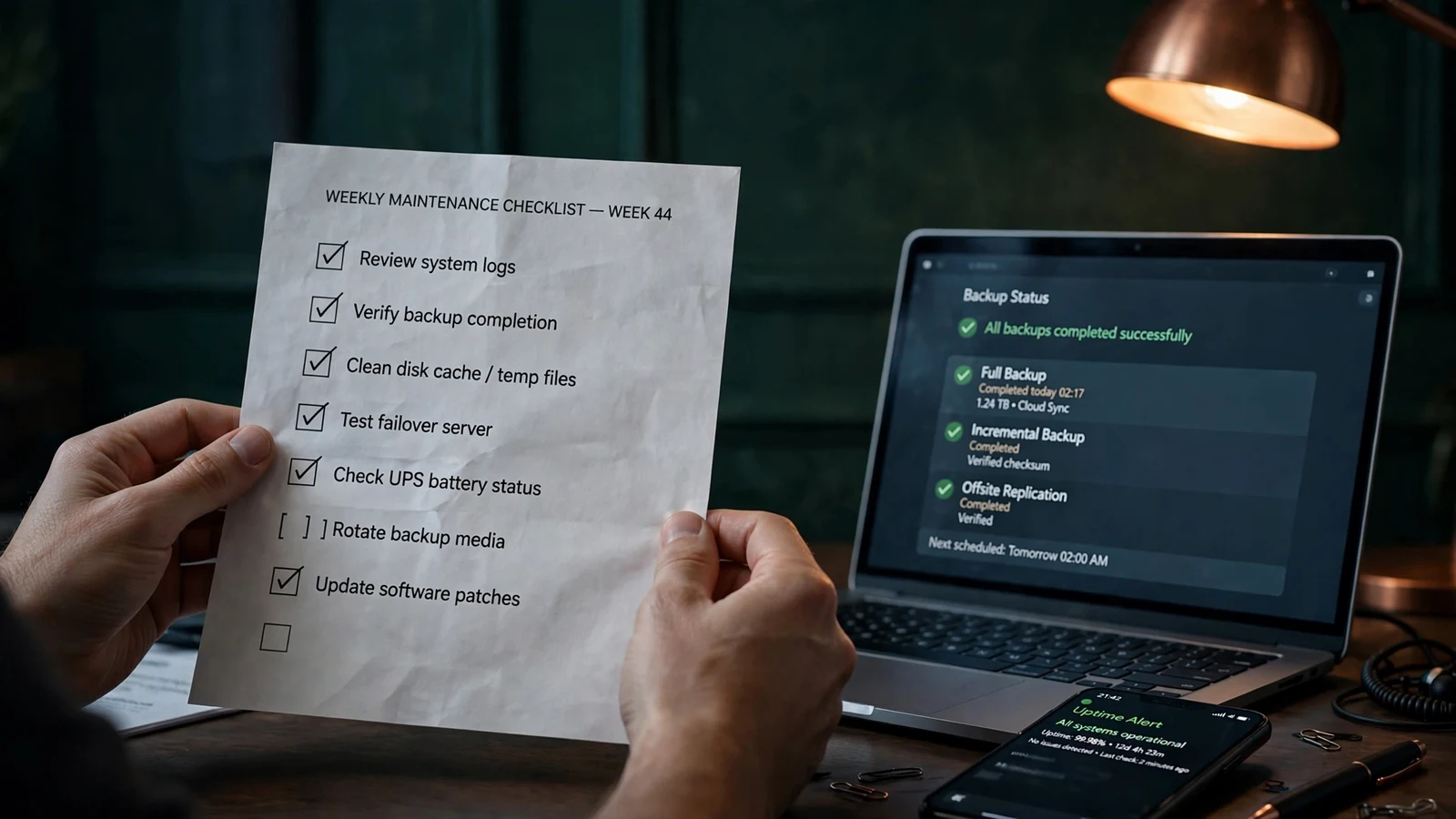
The test takes ten minutes and catches most of what the checklist misses. Register a test member account if you do not already have one, and make the smallest deposit your cheapest plan allows. Watch the balance appear, wait for the first earning to post, then request a withdrawal and confirm it leaves the queue. You are testing four things at once: the deposit page, the gateway, the earning schedule and the withdrawal flow.
Keep the test account separate from real members, and never reuse a test username for a real deposit — on our own panels we track used deposit usernames and never reuse one.
When something breaks, check in this order
When a member reports a problem, work from the outside in. First, the page itself: does it load the same way for you as for the member? Second, the script’s settings: did a plan change, a gateway toggle or a limit change recently? Third, the gateway or the mail provider: are they up, and has anything expired? Fourth, the hosting: is the server responding normally, and is the disk full? A full disk is the quietest failure of all — the site loads, forms submit, and nothing is saved.
Write down what you changed, every time. The most expensive maintenance mistakes we have seen were not technical at all — someone changed a setting, forgot they changed it, and spent a day hunting a problem they caused themselves. A one-line note with the date is enough.
What maintenance costs if you pay someone else
Some owners do the weekly routine themselves; others pay for it. The prices below are what our own shop charges for the one-off setup jobs that maintenance usually needs, checked against the live services page before publication. A template itself costs $59. A backup and recovery setup costs $25 for the basic tier and $50 for the standard tier. A bug fix and rescue job costs $20 for the basic tier and $50 for the standard tier. DDoS protection setup starts at $25, with higher tiers for larger sites. Speed and SEO optimisation costs $25, $50 or $100. If you would rather hand the whole routine to someone, ask what their weekly check actually includes — the checklist above is a fair test of any maintenance offer.
Four mistakes that turn a small issue into downtime
- Never testing a deposit after a change. Every settings change, gateway edit or update ends with a test deposit.
- Updating the script without a backup first. The update takes two minutes; the restore takes hours without one.
- Ignoring the spam folder. If your test mail starts landing in spam, members’ mail is too. Fix it the same week.
- Letting the payout queue pile up. A withdrawal that sits unprocessed for a day is a support ticket; a week of them is a reputation problem.
FAQ
How long does weekly maintenance take?
About thirty to forty-five minutes once the routine is familiar.
Do I need to back up every week if my host backs up daily?
Host backups help, but they belong to the host — you cannot always download them, and they may only be restorable to the same server. Keep your own copy off the server.
What should I do first if deposits stop arriving?
Check the gateway first: open its settings and confirm it still shows as connected, then place the smallest test deposit yourself.
Can a template update break my site?
Yes, if the update overwrites files you customised. Keep a copy of every file you changed and check the homepage, plan page and deposit page immediately afterwards.